Week 2: Visualizing Success: How Gantt Charts and Kanban Boards Simplify Complex Projects
- jeff wilson
- Aug 20, 2025
- 5 min read

Updated: Aug 28, 2025
In future articles, we'll address additional tools like RACI matrices, FMEA evaluations, and WBS plans, which are important for roles, risk, and detailed planning in larger or more complex projects. For now, focus on putting practical visual tools into play to drive project progress and accountability for your team. See the BLUF (Bottom Line Up Front) section for a quick overview or use the section headings to jump directly to the concepts and strategies most useful for you.
BLUF (Bottom Line Up Front)
Gantt charts and Kanban boards are two of the most effective visualization tools for simplifying and organizing complex projects. Each brings its own unique strengths to project management: Gantt charts shine in clear planning and tracking dependencies on a timeline, while Kanban boards help teams manage workflow and adapt to change in real-time. When thoughtfully combined, these tools can transform project outcomes by promoting clarity, accountability, and agility.
Why Visualization Matters in Project Management
Complex projects quickly become overwhelming without clear visual references. Inputs, deadlines, interdependencies, and priorities can drown a team in details and confusion. Visual tools like Gantt charts and Kanban boards cut through the noise, allowing everyone to see:
The big picture (“What’s our plan?”)
The current state (“Where are we now?”)
The next steps (“What needs to get done?”)
Moving from scattered checklists and emails to organized, visual systems not only simplifies collaboration but also powers better decision-making, stronger accountability, and more predictable delivery.
The PDCA Cycle: Where Visualization Fits
This series is structured around the PDCA (Plan-Do-Check-Act) Deming cycle—a proven method for continuous improvement. Gantt charts and Kanban boards sit at the heart of the “Do” stage. They transform careful planning into coordinated, visible action, forming the bridge between intention and execution.
The Issue: Complexity and Chaos in the “Do” Phase
Even seasoned teams stumble when projects transition from planning to execution. Common challenges include:
Lack of clarity: Who’s doing what, exactly when?
Hidden dependencies: Delays cascade because no one saw the bottleneck coming.
Overwhelmed team members: Too many tasks in progress, not enough focus.
Misaligned priorities: People work hard, but not always on the right things.
The right visualization tool addresses these issues by making the invisible, visible.
Gantt Charts: Seeing the Whole Project Timeline
What is a Gantt Chart?
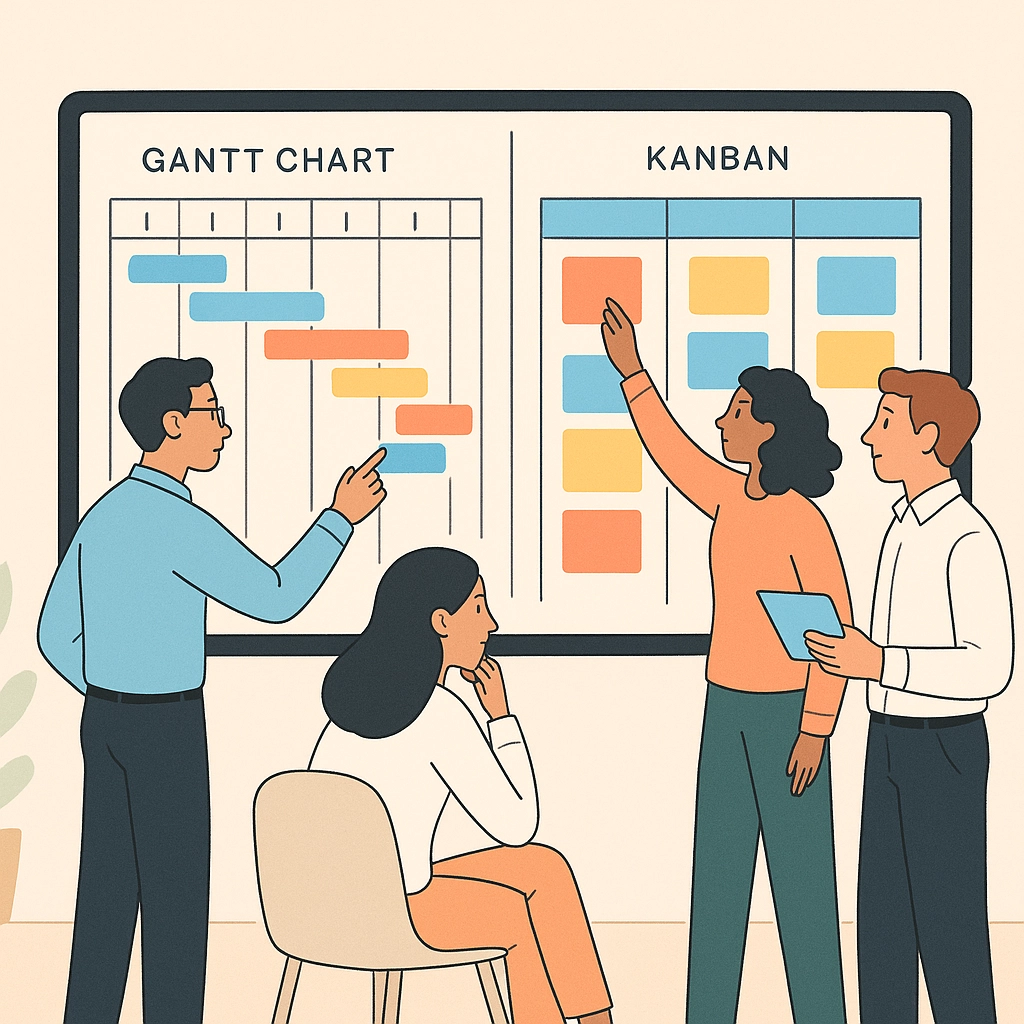
Gantt charts are timeline-based tools that map out every task, milestone, and dependency in a project. Picture a horizontal bar chart where each bar represents a task, stretching from its start date to its scheduled finish.
Key features:
Complete timeline: See every phase, dependency, and deadline at a glance.
Task relationships: Identify what needs to happen before other tasks can start.
Resource allocation: Clearly assign roles, reducing duplication and gaps.
How Gantt Charts Address the Issue
Gantt charts provide a unifying visual language, helping teams:
Monitor progress in real time: See instantly if you’re ahead or behind schedule, and where.
Spot bottlenecks early: Overlapping bars and dependencies highlight where delays might domino through the plan.
Coordinate complex work: Everyone gets a visual cue for their timing and how their tasks link with others.

Common Pitfalls & What Can Go Wrong
While powerful, Gantt charts aren’t foolproof. Challenges can include:
Tool overload: Excessive details can make charts overwhelming and unwieldy.
Static plans: Over-reliance on the Gantt plan can discourage adaptability when conditions change.
Stakeholder objections: Some stakeholders may feel it’s too complex or time-consuming, especially for small teams or fast-changing projects.
Overcoming Resistance:
Start small with high-level Gantt charts for key deliverables.
Update regularly—don’t let the chart become “shelfware.”
Educate stakeholders about quick visual wins, like spotting clashing vacation schedules or holidays early.
Kanban Boards: Visualizing Workflow and Limiting Chaos
What is a Kanban Board?
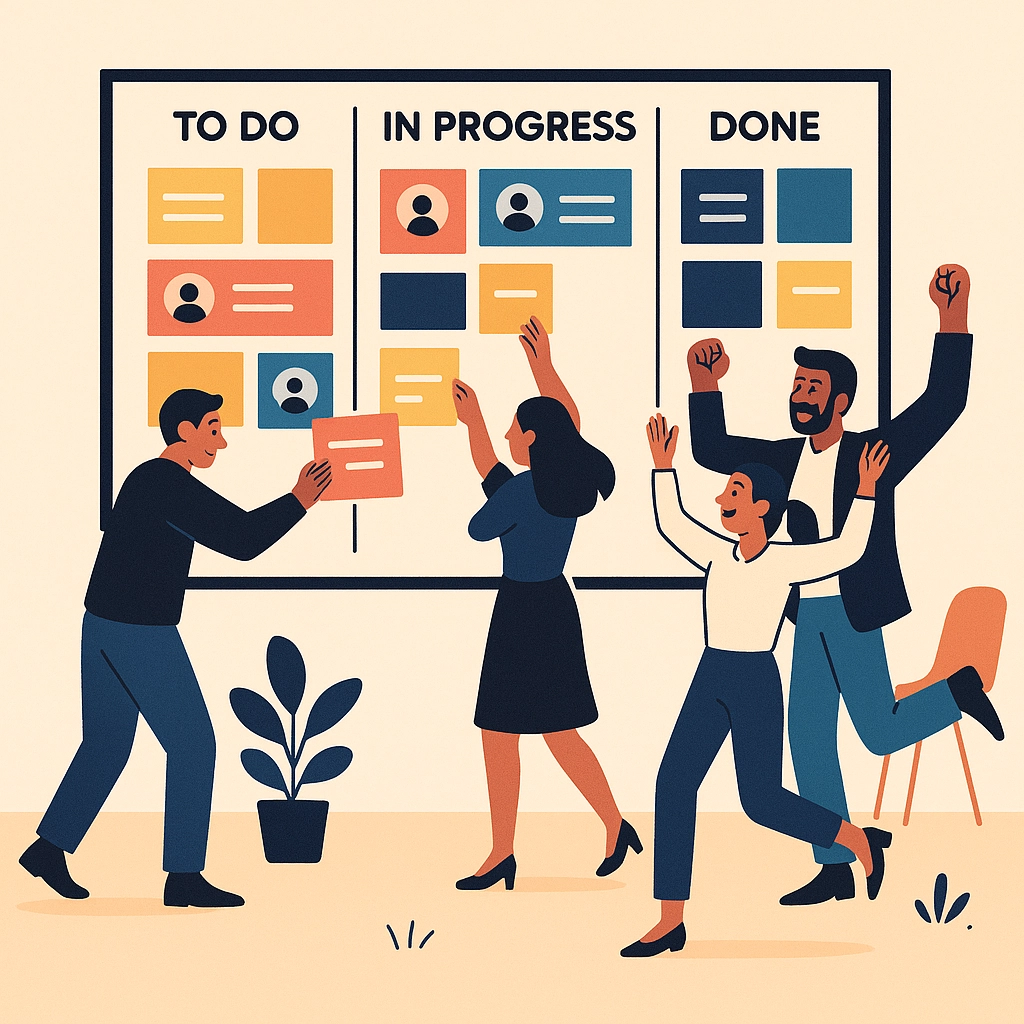
Kanban boards break project work into cards representing tasks, which flow through columns like “To Do,” “In Progress,” and “Done.” Think of it as a visual conveyor belt for your tasks.
Key features:
Workflow stages: Clearly marked steps for every piece of work.
Task cards: Can include details, owners, priority, and deadlines.
Limits on work in progress (WIP): Prevents the team from juggling too many tasks and losing efficiency.
How Kanban Boards Address the Issue
Kanban thrives in environments where change is constant but clarity is crucial. It helps by:
Making status obvious: Anyone can see the state of any task, at any time.
Empowering team autonomy: Team members pull tasks when ready, reducing bottlenecks and dependency on a central coordinator.
Encouraging continuous improvement: Frequent review of workflow exposes gaps, slow points, or overburdened columns.
Common Pitfalls & What Can Go Wrong
Kanban is intuitive, but problems arise if:
Boards get cluttered: Too many columns or cards hamper clarity—less is more.
Abandoned boards: If not maintained, the board no longer reflects reality.
Stakeholder objections: Some worry it “looks like micromanagement” or requires too much upkeep.
Overcoming Resistance:
Customize columns and labels to truly fit your workflow.
Limit WIP ruthlessly; celebrate completed cards.
Start with a lightweight version and demo the “aha” moment—like finding where tasks get stuck most often.
Gantt Charts vs. Kanban Boards: Which When?
Both tools aim to boost transparency, collaboration, and delivery—but they shine in different situations.
Aspect | Gantt Charts | Kanban Boards |
Primary View | Timeline with tasks & dependencies | Workflow stages (e.g. To Do → Done) |
Best For | Projects with fixed deadlines & sequence | Agile, flexible, or ongoing work |
Key Strength | Upfront planning; seeing critical paths | Limiting WIP; adapting to change |
Best Use Case | Product launches, construction, events | Software, marketing, support teams |
Pro tip: Many teams benefit from using both! For example, use a Gantt chart to lay out the project’s phases and key deadlines, then manage day-to-day execution on a Kanban board.
Implementation: Making Visualization Tools Work for Your Team
Step 1: Choose Based on Project Type
Lean toward Gantt charts for well-defined projects with strict deadlines and interdependencies.
Favor Kanban for ongoing, iterative, or rapidly changing work.
Step 2: Start Simple
Don’t capture every minor detail at first—keep your Gantt high-level or your Kanban board slim.
Involve your team in setting up the system so buy-in starts early.
Step 3: Review & Refine Regularly
Treat your visualization tools as living documents.
Schedule short reviews to update both your Gantt and Kanban boards—especially when goals, priorities, or team members shift.
Step 4: Address Stakeholder Challenges Head-On
If someone says, “This is too complicated,” ask which specific info is most helpful to them and cut what’s not.
When folks fear it’s “too much work to maintain,” show how 5 minutes updating a card saves hours chasing status updates by email.
Common Traps and How to Avoid Them
Here’s what can derail visual project management, and how you can stay on track:
The Gantt Trap: Over-planning, under-refining. If your Gantt chart stops reflecting reality, your plan is now fiction. Solution: Regularly check and adjust.
The Kanban Lull: Set-it-and-forget-it. Kanban only works if columns and cards reflect true status. Solution: Make board review part of team meetings; assign board champions.
Team Overwhelm: Too many concurrent tasks. Solution: Use Kanban’s WIP limits and clearly stagger Gantt deadlines.
Bringing It Together: PDCA in Action
Visualization tools play an essential role in the “Do” stage of the PDCA cycle:
Plan: Use Gantt to chart the big-picture approach.
Do: Execute the project with clarity, monitoring progress visually via Kanban and/or Gantt.
Check: Review your workflow using data from your boards/charts.
Act: Adjust the process, tweak columns, or reschedule as needed.
Want a deep dive on starting with the “Plan” phase? Check out the first post in the series.
The Bottom Line
Whether you’re wrangling overlapping timelines or adapting to daily surprises, Gantt charts and Kanban boards take the guesswork out of complex projects. They boost team visibility, minimize chaos, and create more consistent results. Commit to refining your visualization tools and you’ll see the difference—project after project.
Looking for more strategies to unlock team productivity? Visit our collection of project management insights.

Comments